
 +90 332 606 0 123
Addresses on your own domain
Accounts like [email protected] that stay under company control.What we do
Corporate Email Services
Branded addresses, secure servers and spam protection.
What we do
Professional Corporate E‑Mail Solutions
Strengthen your professional communication with Pixron® corporate e-mail services. Optimize your business processes with custom e-mail addresses that reflect your company's brand identity, secure server infrastructure and advanced spam protection.
Communicate professionally with your customers with our corporate e-mail services, increase your brand reliability and maximize your business efficiency. Our expert team guarantees uninterrupted operation of your e-mail system by providing 7/24 technical support.
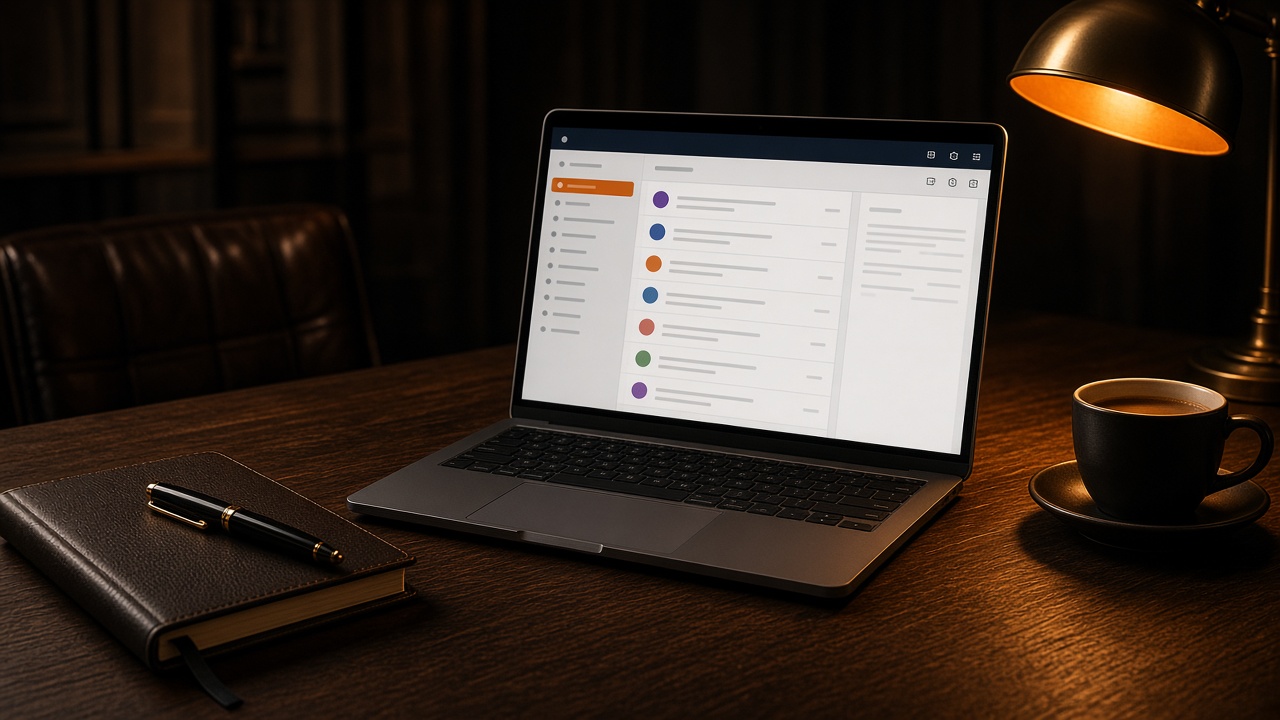
Branded addresses, secure servers and spam protection.
- [email protected]Accounts on your own domain, under company control
- Mail that avoids spamSPF, DKIM and DMARC set up correctly
- Seamless migrationYour old emails moved to the new account
What is included in the corporate email service?
Not just a mailbox, but every setting that makes email arrive.
Spam and virus protection
Incoming mail is filtered; malicious attachments and phishing attempts are blocked.SPF, DKIM and DMARC
The DNS records needed for recipients to verify the emails you send are set up.Access from every device
Simultaneous use in the web interface, Outlook, Apple Mail and on phones.Migration
Received, sent and filed mail in your old accounts is transferred to the new ones.Backup and archive
Mailboxes are backed up; correspondence is not lost when an employee leaves.Why use corporate email?
Gmail or Hotmail is not corporate communication
A quote from [email protected] weakens the brand. @yourcompany.com carries legal identity and trust, and it works with SPF, DKIM and DMARC.
The spam folder is lost business
Badly configured sending drops invoices and proposals into spam. A corporate mail stack manages authentication, blocklists and filtering together.
Your correspondence should stay on your server
On free services, contracts and client threads follow a third-party policy. A corporate mailbox defines backup, archive and access on your terms.
Mobile and webmail share one account
The director’s phone, accounts on desktop and the field tablet use one secure mailbox. When it fails, support is the hosting team — not your only IT hire.
Who is it for?
The price of running a business on free accounts is a quote email that never arrives.
Businesses using free accounts
Companies moving from gmail or hotmail addresses to a corporate address.
Those whose email lands in spam
Teams noticing that quotes and invoices do not reach customers.
Companies with a growing team
Those who want to open, close and authorise accounts centrally.
Corporate email setup process
No email is lost during the switch.
- 01
Needs analysis
We define the number of accounts, quota needs and your current email setup.
- 02
Opening accounts
We create the addresses and define groups and forwarding rules.
- 03
DNS and authentication
We set up MX, SPF, DKIM and DMARC records and test that they work.
- 04
Migration
We transfer your old mail to the new accounts and complete the switch without interruption.
- 05
Device setup and support
We set up computers and phones and support you throughout use.
Frequently asked questions
Could not find your answer? Write to us and we will reply within 24 hours on business days.
Contact UsWhy is corporate email better than free accounts?
An address like [email protected] builds trust, the accounts stay under company control and correspondence is not lost when an employee leaves.
Can you migrate my existing emails?
Yes. We transfer received, sent and filed emails from your old accounts to the new ones without interruption.
How do you stop my emails going to spam?
We set up SPF, DKIM and DMARC records correctly for your domain. These let recipients verify the emails you send.
Can I use it on my phone and in Outlook?
Yes. Accounts can be used from the web interface, programs such as Outlook and Apple Mail, and phones; we support you with setup.
How many accounts can I open?
The package is set by your needs; the number of accounts and quota can be increased later.
Next step
Let’s plan your project
We clarify scope, timeline and budget within 24 hours.
- Reply within 24 hours on business days
- Written scope, schedule and quote
- One point of contact, the same team throughout